Introduction
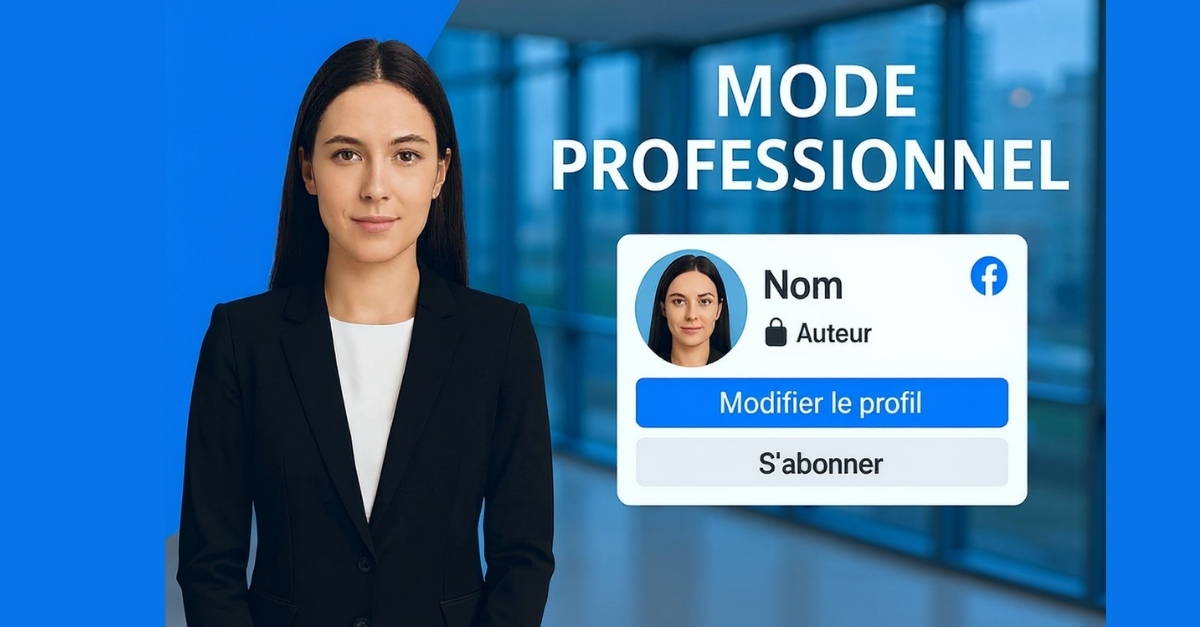
Facebook (now Meta) continues to evolve to better meet the needs of its users. For a long time, the platform maintained a strict distinction between personal profiles and professional Pages. A new feature has now changed the game: Professional Mode for profiles.
With this mode, users can keep their personal account while turning it into a powerful tool for visibility, analytics, and even monetization. In other words, it is no longer necessary to juggle between a private profile and a public Page—one single account can now combine both worlds.
What is Professional Mode?
Professional Mode is a setting that can be activated directly from your personal profile. Once enabled, your profile becomes a public showcase open to followers. Your posts can be discovered more easily, performance statistics become available, and you may even gain access to monetization options.
Meta’s goal is clear: to give content creators, influencers, freelancers, and artists the same tools as professional Pages, while allowing them to remain on their main personal profile.
In short, it is a bridge between personal life and professional activity on Facebook.
Why did Meta launch Professional Mode?
Several reasons explain this innovation:
1. Making life easier for creators
Many users were forced to create a Page to reach a wider audience. Managing both a profile and a Page could be heavy and confusing. With Professional Mode, everything is centralized.
2. Responding to the rise of creators
Creators are now at the heart of Meta’s strategy. They produce content that attracts attention and retains audiences. By offering professional tools directly on profiles, Meta hopes to keep them engaged on the platform.
3. Offering new monetization opportunities
Revenue from Reels, ads, or subscriptions is now accessible to more users, encouraging the creation of more content on Facebook.
4. Simplifying the user experience
Many users felt lost between personal profiles, professional Pages, and Business Suite. Professional Mode aims to reduce this complexity.
The advantages of Professional Mode
1. An enhanced biography
Your profile now displays a professional role (e.g., creator, author, musician, coach), which adds credibility and clarifies your online identity.
2. Enhanced privacy tools
You retain full control: personal posts can remain private, while public posts reach a wider audience.
3. Better visibility
Posts published in Professional Mode can appear in public recommendations, increasing your organic reach.
4. Built-in analytics tools
You gain access to detailed statistics: follower count, engagement, reach, and interactions. These insights help you refine your content strategy.
5. New revenue opportunities
Eligible creators can benefit from monetization options such as:
- In-stream ads on videos
- Revenue from Reels
- Paid subscriptions for exclusive content
- Brand partnerships via collaboration tools
6. No need for a separate account
There’s no need to manage both a personal profile and a Page—everything is now combined in one place.
Disadvantages to consider
Despite its many advantages, Professional Mode also has some limitations:
- Less separation between personal and professional life, requiring careful content management
- No shared roles: unlike Pages, you cannot delegate management to a team
- Incompatibility with Meta Business Suite: some advanced tools are unavailable
- Sometimes forced transition: some users reported their profiles were automatically switched to Professional Mode, raising privacy concerns
- Gradual rollout: the feature is not yet available to all accounts
How to activate Professional Mode on Facebook
Activation is simple and only takes a few steps:
1. Log in to your Facebook account.
2. Go to your profile.
3. Click Edit Profile.
4. Select Turn on Professional Mode.
5. Choose a professional category (e.g., content creator, consultant, writer).
6. Configure your visibility settings (private/public).
7. Save and start using your new professional profile.
👉 You can switch back to Personal Mode at any time, but you will lose access to analytics tools and monetization options.
User reactions and experiences
Since its launch, reactions have been mixed.
- Some creators appreciate the simplicity and increased visibility.
- Others regret the reduced separation between personal and professional life.
- On forums like Reddit, some users expressed feeling intruded upon when their profile was converted without explicit consent.
These testimonials highlight the importance of fully understanding and properly configuring privacy settings before enabling the feature.
Comparison with a Facebook Page
Professional Mode is similar to a Page, but there are key differences:
| Feature | Professional Mode | Facebook Page |
| — | – | — |
| Managed by multiple people | ❌ No | ✅ Yes |
| Analytics & insights | ✅ Yes | ✅ Yes |
| Monetization | ✅ Yes (eligibility required) | ✅ Yes |
| Access to Business Suite | ❌ No | ✅ Yes |
| Personal/pro separation | ❌ Less clear | ✅ Complete |
| Ease of creation | ✅ Directly from profile | ❌ Requires a separate Page |
Conclusion
Facebook’s Professional Mode is a major innovation that reflects Meta’s current strategy: placing content creators at the center of its ecosystem.
It allows a personal profile to be transformed into a true professional tool while maintaining a personal dimension. It is particularly well suited for independent creators, artists, influencers, freelancers, and anyone looking to grow an audience without managing multiple accounts.
However, it may not be ideal for structured businesses that require shared management and advanced tools such as Meta Business Suite.
In summary:
If you are an individual creator → Professional Mode is an excellent opportunity.
If you are a business or a team → sticking with a Page is the better choice.
“
👉 Facebook is seeking to redefine the boundary between personal and professional. Professional Mode is not just a technical feature—it symbolizes a new way of thinking about digital identity.
”